

Struggling to get your business noticed online? These 5 visual strategies change everything!
Your brand’s visual presence has the power to either attract new clients or make them completely ignore you. The truth is, your audience decides in seconds whether they trust you - often before they even read a single word of your content.
But here’s the truth from a 20 year professional photographer: you don’t need a professional photographer on call 24/7 to create a compelling visual brand presence. A mix of professional brand photos PLUS intentional DIY content can make your brand look polished and credible without eating up all of your time, or your money. It is important to note that, for all of the strategies in this article, it is imperative to make sure the images you choose to use feel consistent with your brand aesthetic, and are well-lit, high-quality images. More on that coming soon!
In this article, I’ll show you 5 essential ways to use both professional brand photos and intentional DIY content to build trust, attract clients, and grow your business. Plus, I’ll share quick-to-create visual content ideas so you can start implementing right away!

Your Website: Your Make-or-Break First Impression
Your website is your digital first impression. If it’s cluttered with off-brand images, generic stock photos, improper resolution or badly lit images, potential clients will not take you seriously. And worse, they’ll jump off your site just as fast as they can - which can ruin your chances of being found by the next person searching for exactly what you offer.
Where to Use Visuals on Your Website:
Homepage: Use an engaging, on-brand image, gallery of images, or high-quality video as your main image (often referred to as your ‘hero’ image). Consider whether your site is typically viewed on a desktop, or a mobile device, and be sure to view your site on both to make sure your image isn’t cropped awkwardly on either.
About Page: Show a professional, well-lit headshot to make your ‘best-version’ first impression, AND consider adding three to five high-quality photos that reflect your authentic personality and interests in diverse, slightly more casual settings. These types of images build connection with your audience, and studies show that seeing you in multiple different environments can help a prospective client feel like they already know you before you ever meet.
Product/Services Page: Do not only tell your audience what you do. Show them! Give visitors a visual experience of your process, so they can see what it’s like to work with you. Examples include:
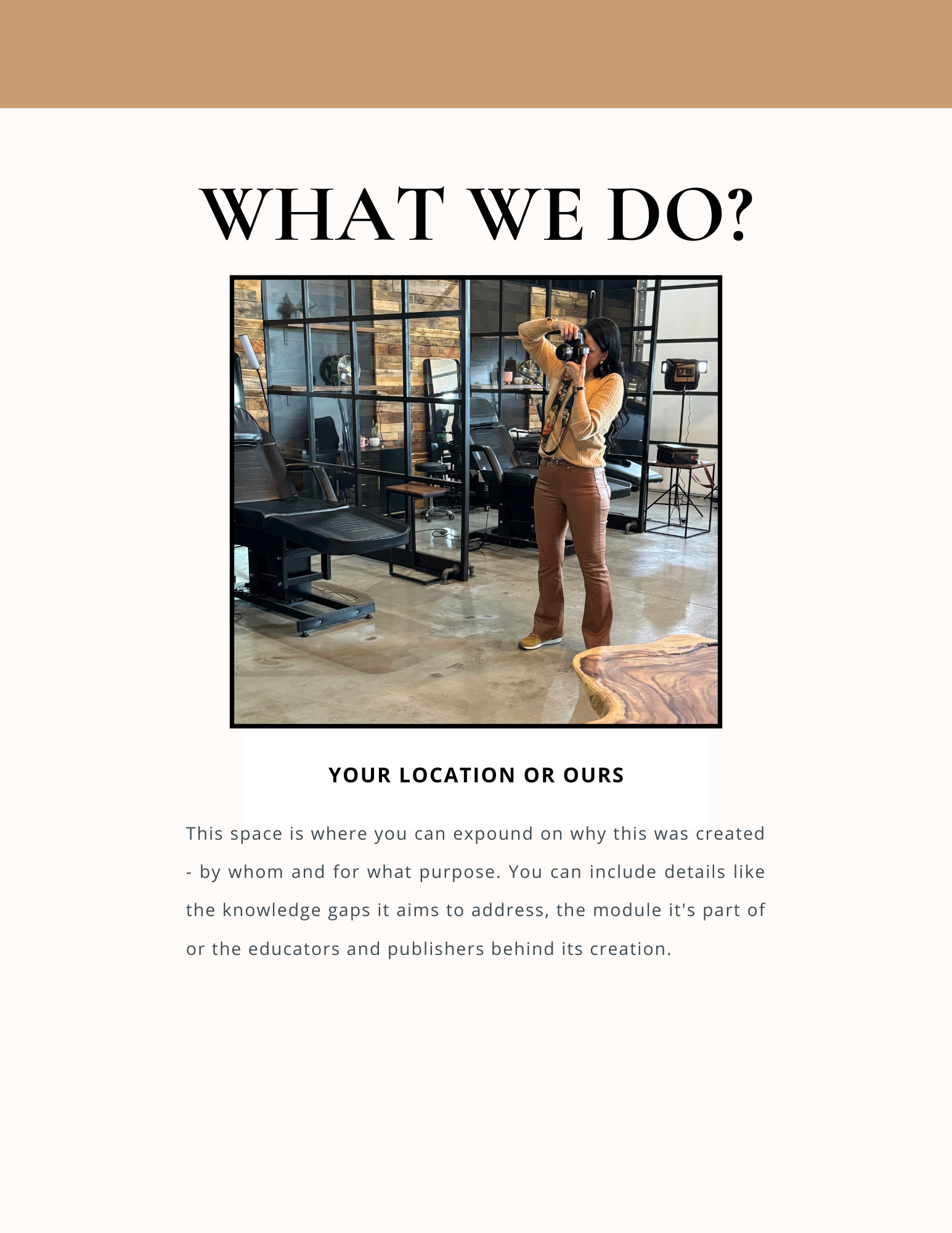
Behind-the-scenes photos of you working with clients, creating products, or preparing for a session/meeting/zoom call/etc.
Short video clips demonstrating your services in action (e.g., a quick time-lapse of a project, a client transformation, or an explainer video).
Lifestyle brand photos that reflect the experience of working with you—this helps set expectations and makes your brand feel more approachable.
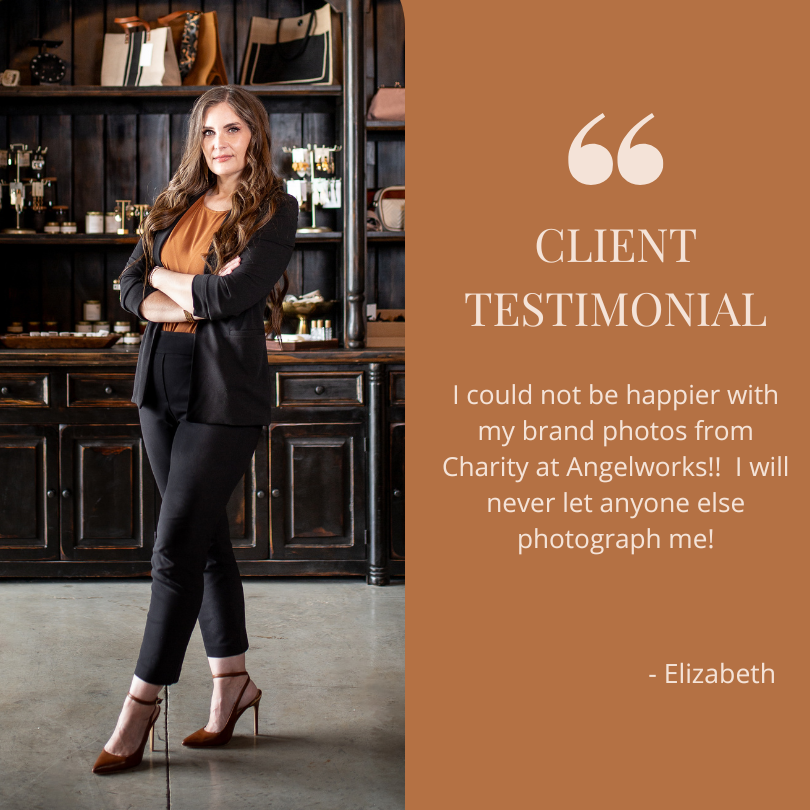
Testimonials & Case Studies: Clients don’t just want to hear that you’re great—they want to see the results. Research shows that testimonials with photos or videos are considered more trustworthy and persuasive than text-only reviews. Ideas include:
Client photos (with permission!) to humanize the testimonial and make it feel more authentic.
Before & after visuals if applicable (e.g., branding photos, design work, service transformations).
Screenshots of positive feedback (DMs, texts, emails, or social media comments showing client wins).
Video testimonials (even a short 15-30 second clip of an ecstatic client can be really powerful).
Quick DIY Visual Content Idea:
Hot Tip: Embedding videos on your website's homepage can significantly enhance your Google search rankings. Easily create an engaging, on-brand video for your website’s homepage using Canva’s free or paid video feature and one of their pre-made templates. Combine photos, video clips, and text for a polished, professional look—no editing experience required!

Social Media: The Key to Getting Noticed
Your social media presence is often the first place that potential clients become aware of you. If your visuals aren’t grabbing their attention within 3 seconds, they’ll scroll right past you. Posts with high-quality visuals get 94% more views than text-only posts. And video content? That gets 1200% more shares than text and images combined. (Sources: BrightEdge, Wordstream)
You don’t have to be a professional photographer or videographer to create a visually compelling social media presence - with the right strategies, you can become a highly capable INFORMED amateur. And, while the full strategy behind marketing through social media is beyond the scope of this article, if you begin to curate your social media presence with intention, you will be setting yourself up for more advanced strategies when you are ready for them.
Your content should be a blend of professional branding images, high-quality DIY content photos and engaging, informed amateur video formats.
Where to Use Visuals on Your Social Media:
Profile & Cover Images – Use a clear, on-brand profile photo (preferably a professional headshot) and a high-quality cover image that communicates your brand at a glance. You may have heard the expression that ‘people buy from people, not companies’. This is your chance to show your prospective customers that you are the face of your brand.
Feed & Grid Aesthetic – Whether it’s Instagram, Facebook, or LinkedIn, a consistent look helps create brand recognition. Stick to a color palette, font style, and visual theme that represents your brand.
Stories & Highlights – Instagram & Facebook Stories allow for more casual, in-the-moment content—perfect for engaging with your audience daily. Stories make your audience feel like they’re getting a behind-the-scenes, exclusive look into your world. This builds a sense of connection and familiarity, so by the time they’re ready to buy, they feel like they already know you. TIP: Pin key Stories as Highlights (e.g., About, Services, Testimonials, etc). Then send prospects with generic questions a direct link to let them get to know you more.
Reels & TikToks – Prioritize quick, engaging, and valuable content. Before you post, think: “Would this post make me want to engage with it (like it, save it, share it), or could it convince me to want to follow the author for more content?” These platforms favor motion & personality, so even short clips can massively boost your reach if done right.
LinkedIn & Facebook Banners – These are prime real estate for branding. Make sure they are high-quality and communicate your expertise visually. If a visitor to your profile cannot determine what it is that you do, based solely on your banner image, it needs to be updated.
Quick DIY Visual Content Ideas:
"One Quick Tip" Video – Share a fast, actionable tip for your audience in a 10-15 second video. Keep it simple and add captions!
"Work in Progress" Before & After Post – Show a before-and-after transformation (whether it’s a project, service, or client success). Use Canva’s “Instagram Post” templates for a polished look.
"Why I Do What I Do" Video Story – Take a short video of yourself talking about why you started your business and pin it as a Story Highlight so new visitors can connect with you.

Email Marketing: Stand Out From The Crowd
Your emails are competing with dozens (if not hundreds) of others in your audience’s inbox. So how do you make sure they don’t ignore yours? You guessed it!! Emails with visual content (images, GIFs, or videos) can increase click-through rates by up to 42% compared to text-only emails. (Source: HubSpot) People skim emails rather than reading every word—so strategic visuals can help capture attention immediately, reinforce key points, make your email feel more personal and engaging, and increase click-through rates.
Where to Use Visuals in Email:
Headers & Footers
Create a branded header image that aligns with your website & social media.
Use a footer banner with a clear call to action (e.g., “Follow me on Instagram,” “Join my workshop,” etc.).
Inside the Email: To Break Up the Text
Photos & GIFs – Include a relevant image to illustrate your message.
Clickable call-to-action graphics – Instead of just using text links, create a button-style CTA image for better engagement.
Personalization: Make It Feel One-on-One
Record a short, friendly video saying hello to new subscribers & embed it in your welcome email.
Include a screenshot of a social media post or testimonial to reinforce your message.
Add a photo of yourself (instead of just a logo) to put a face with your email signature.
Quick DIY Visual Content Idea:
Use Canva’s “Instagram Story” template to create an email header that aligns with your brand, or create an animated version of your logo to attract attention.

Lead Magnets & Freebies: Make Them Irresistible
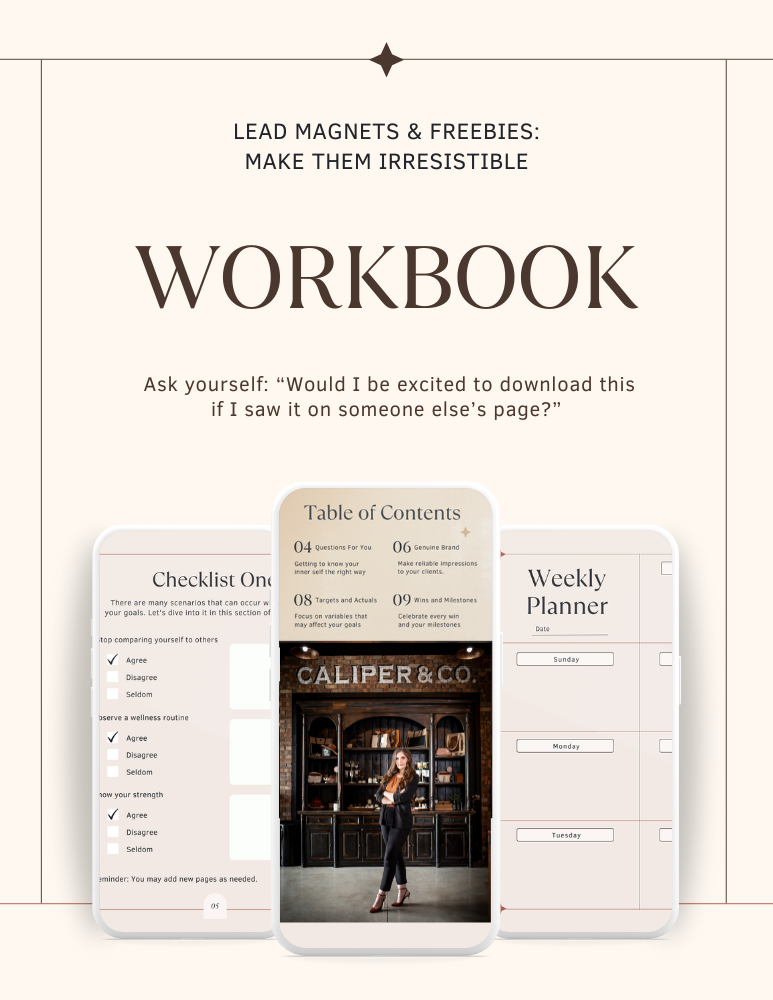
Your free resources aren’t just gifts for your audience—they’re a first impression of your expertise and a stepping stone to building trust. But here’s the mistake many people make: If your lead magnet looks cheap, rushed, or unpolished, people will assume your paid offers are the same. A well-designed freebie not only increases perceived value but also positions you as an expert worth paying attention to. Ask yourself: “Would I be excited to download this if I saw it on someone else’s page?” A polished lead magnet makes people more likely to download it, read it, and engage with your brand afterward.
Where to Use Visuals in Lead Magnets & Freebies:
E-books & Guides – Your cover design matters. Make sure it’s branded, clean, and professional—not just a plain Word doc with text. Use bold titles, high-quality images, and on-brand colors.
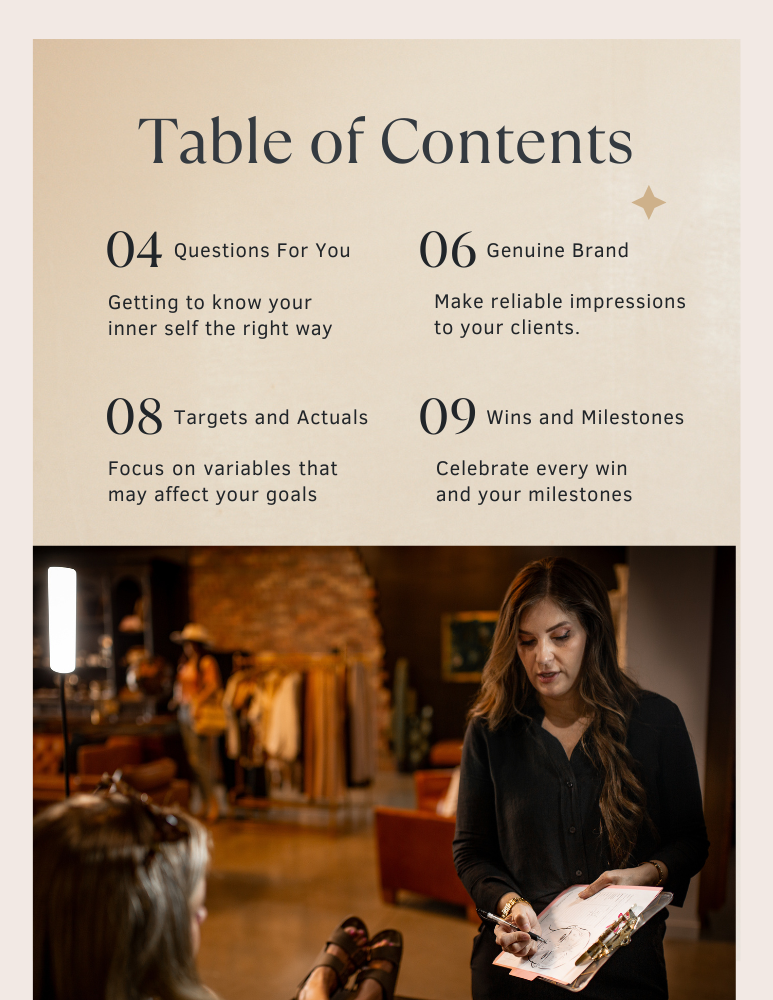
Checklists & Workbooks – People love easy-to-consume resources. A checklist or workbook should be structured, visually appealing, and formatted for quick reference.
Promo Graphics for Social Media & Email – If you want people to sign up for your freebie, you need to market it! Create scroll-stopping visuals for social media & email to showcase the value of your lead magnet.
Landing Page Design – The opt-in page should feature a mockup of the freebie (e.g., an e-book on a tablet, a checklist printout, or a workbook in use). People need to "see" what they’re getting.
Quick DIY Visual Content Idea:
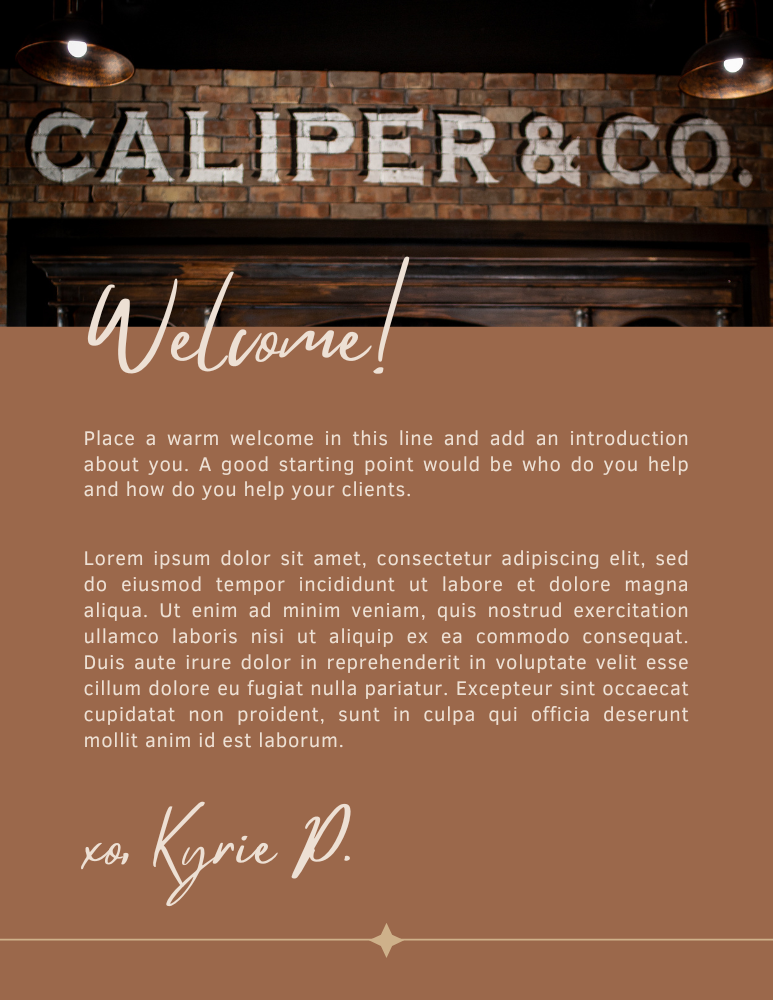
Search Canva’s templates for ‘workbook’ to design a high-quality, branded freebie cover quickly, and use the full template to create your entire document in 1/10th of the time versus starting from scratch.

Client Proposals & Sales Pages: Make it Memorable
Studies show that people remember 80% of what they see, but only 20% of what they read. (Source: Brain Rules). In other words - people absorb the information they need to make buying decisions with their eyes. Also, if your proposal or sales page looks cluttered, outdated, or visually unappealing, potential clients may assume your work is the same.
Your visuals should enhance your message, without distracting from it. Whether you’re pitching a service, presenting a custom proposal, or selling a digital product, high-quality visuals help build trust. And, a well-placed visual cue can reinforce your credibility, highlight key benefits, and create an emotional connection—all of which drive buying decisions.
Where to Use Visuals in Client Proposals & Sales Pages:
Client Presentations & Pitch Decks
A well-designed pitch deck (think powerpoint presentation) or proposal document makes you look professional and prepared.
Use visuals to simplify complex ideas: Infographics, charts, and branded icons can help convey key points.
Include brand-aligned images that reflect the experience of working with you.
Sales Pages for Services or Digital Products
Your sales page should feel uncluttered, professional, and easy to navigate.
Use strong, high-quality images of yourself, your product, or a relevant lifestyle shot.
Break up text with visuals like mockups, customer testimonials, or an engaging explainer video.
Before/After Visuals for Credibility
If your service or product provides a transformation, show it!
Examples:
Branding & design work: Before/after portfolio images
Photography: Side-by-side comparisons
Coaching/services: Screenshots of client success messages
Quick DIY Visual Content Ideas:
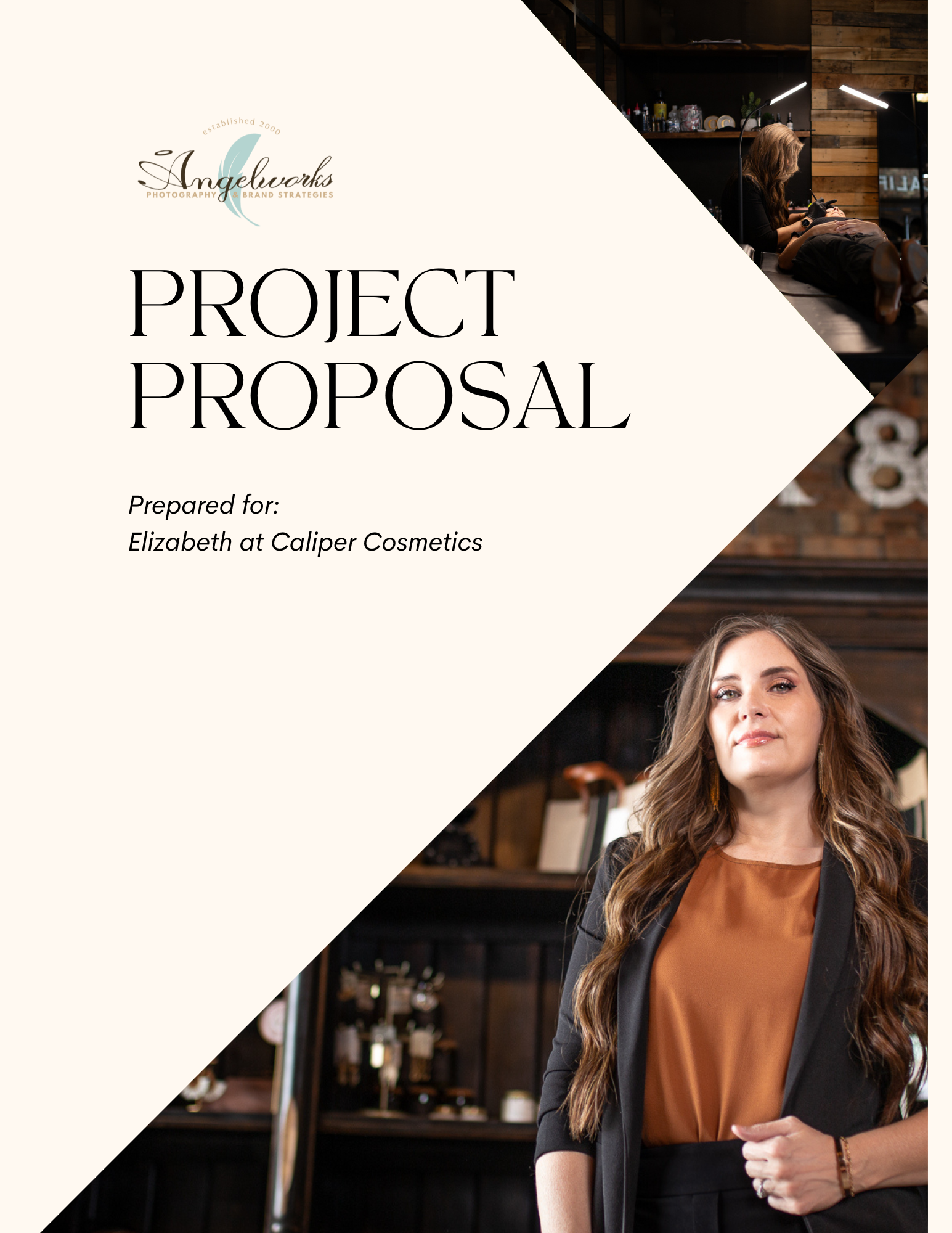
Search Canva’s templates for “Proposal” to create a branded, professional-looking proposal in minutes.
Turn testimonials into quote graphics and add them to your sales page for credibility.
Create a simple BTS of your service or product to show your process.
WHAT ALL OF THIS MEANS FOR YOU:
Elevate Your Brand with the Right Visuals in the Right Places
Your brand’s visual presence is a powerful tool that influences trust, engagement, and sales. Whether you’re using professional brand photos, DIY content, or a mix of both, your visuals should always work for you, not against you.
By applying these strategies for where and how to use your brand visuals, you’ll ensure that your website, social media, emails, and marketing materials look polished, professional, and aligned with your brand. Small, intentional improvements in how you present your business visually can lead to greater credibility, stronger connections, and ultimately, more clients.
Follow these tips, start making small changes today, and watch your brand stand out in a way that truly represents YOU.
Ready to take your visuals to the next level? My new class is launching soon, where I’ll teach you how to create high-quality, brand-elevating visuals—without spending hours or breaking the bank. PLUS: Canva basics that will get you moving NOW! Want early access? Comment "I'M IN" below or DM me to be the first to know when it launches!
Exciting things are coming!
IN THE MEANTIME… use the button below to get 4 bonus strategies to use in your business today!
